
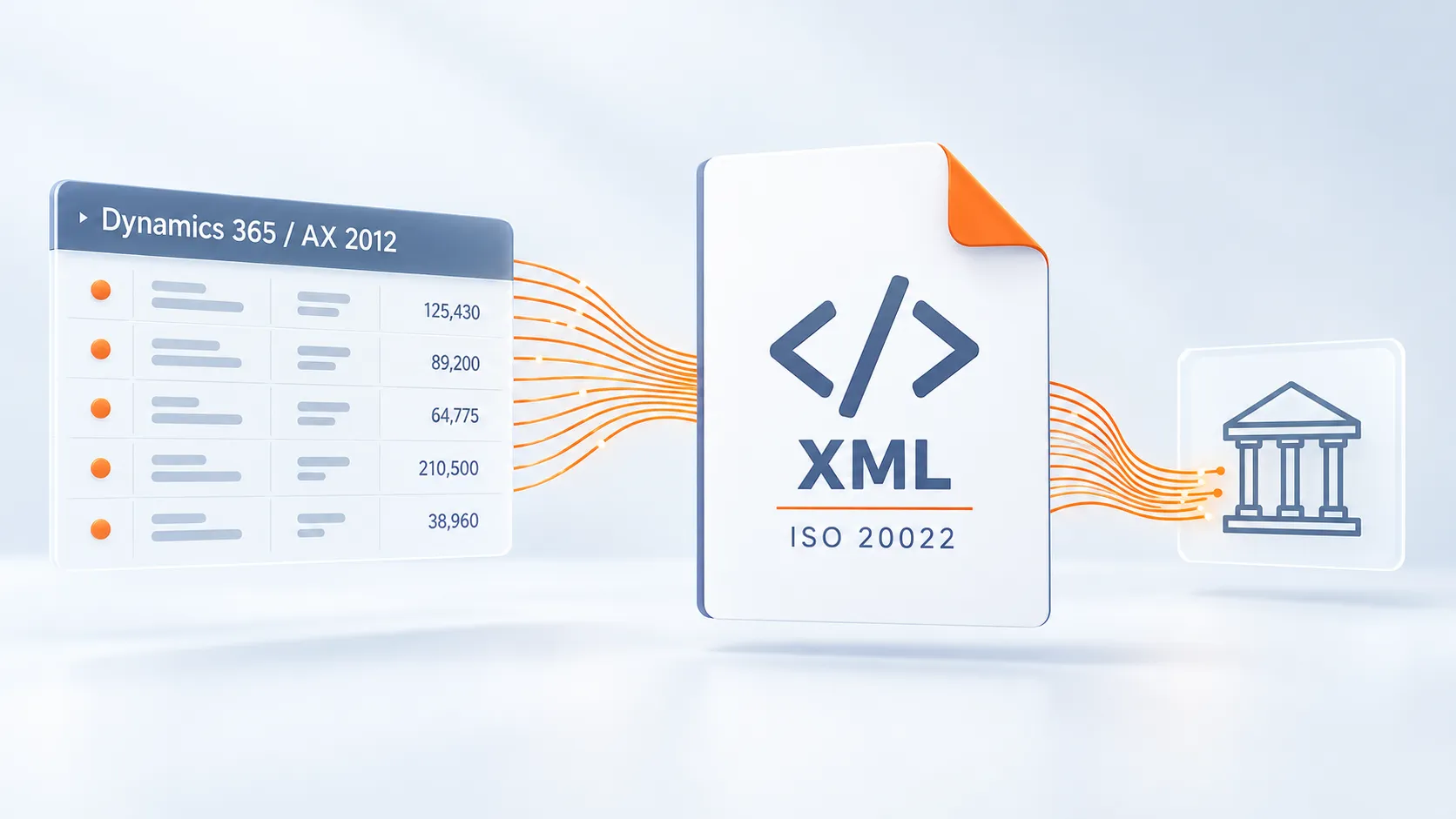
Preparing payments in Microsoft Dynamics 365 or AX 2012 and looking to reduce manual entry in online banking? Retcon's ISO 20022 Payment File Generator automatically creates XML files from posted ERP data. It simplifies payment preparation and provides a consistent process across different banks.
ISO 20022 is an international standard for financial messages. When initiating transfers, a company can send structured payment data to its bank in an XML file. The pain.001 message is used to initiate credit transfers; Retcon's solution supports pain.001.001.09.
A shared standard does not mean that every bank has identical requirements. The data structure, mandatory fields and payment parameters must match the bank's specification and the type of transfer.
The generator lets you configure formats, data mappings and bank-specific parameters. Companies working with several banks can therefore use a consistent process for preparing payment files in Dynamics 365 or AX 2012.
ERP data → Retcon generator → XML file → submission to the bank.
Automated file creation reduces manual work, speeds up payment preparation and lowers the risk of transcription errors. Before go-live, we agree on bank requirements, configuration and the scope of testing. The completed file is then submitted and approved according to the procedures of the relevant online banking service.
Ready to streamline payment preparation? Talk to Retcon about the ISO 20022 Generator for Microsoft Dynamics 365 and AX 2012.
ISO 20022 — about the standard · European Payments Council — SEPA guidelines · Microsoft Learn — credit transfer files in Dynamics 365