Back
KSeF Collective Identifier in Dynamics 365 Finance – How to Prepare for 2027 Payments
November 26, 2026
INSIGHT


KSeF is more than electronic invoicing. From 1 January 2027, the requirements for making payments will also change.
Companies using Microsoft Dynamics 365 Finance must prepare their financial processes to include KSeF invoice numbers or Collective Identifiers (IZ) in specified payments.
Even if an organisation has already integrated Dynamics 365 with KSeF, this does not automatically mean its system is ready for the new requirements. The entire process must be reviewed – from purchase invoices and preparing bank transfers to identifying and settling incoming payments.
From 1 January 2027, an active VAT taxpayer paying for invoices covered by the relevant regulations to another active VAT taxpayer will be required to indicate the KSeF number or Collective Identifier if the payment is made by bank transfer or another instrument allowing a payment reference to be provided.
In practice:
The obligation does not apply to all B2B payments. The taxpayers' status, invoice type and payment method all matter.
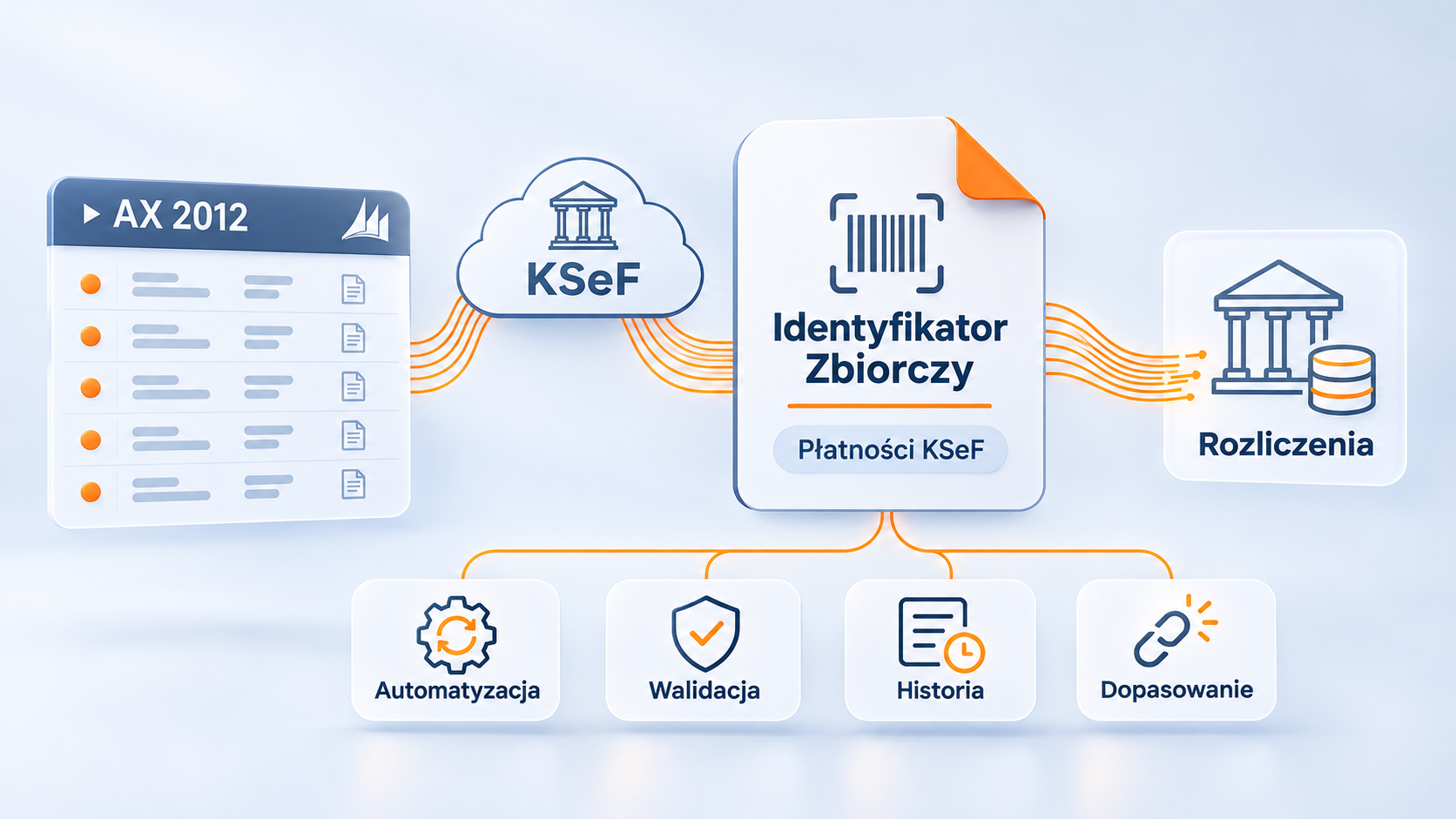
The Collective Identifier is a 35-character number assigned by the National e-Invoicing System (KSeF). It makes it possible to associate at least two structured invoices issued by the same seller with one identifier.
For example, a company receives five invoices from one supplier and intends to pay them with a single bank transfer. Instead of placing five separate KSeF numbers in the payment reference, it can generate one IZ covering those documents.
The identifier is generated using the invoices' KSeF numbers and can then be used in the payment process.
One IZ can normally include up to 500 KSeF numbers, with the possibility of increasing this limit individually.
KSeF also allows an IZ to be decoded to retrieve the list of invoices associated with the identifier.
Integrating Dynamics 365 Finance with KSeF can enable sales invoices to be submitted, purchase invoices to be downloaded and KSeF numbers to be recorded.
However, the new requirements also affect subsequent stages of the financial process.
An organisation should verify whether Dynamics 365 Finance can:
Merely storing a KSeF number on an invoice does not ensure that it can be used in banking and settlement processes.
System preparation should address two separate but connected processes.
A finance team member prepares a payment covering several posted invoices from one supplier.
The system should allow the user to select the appropriate documents, validate their KSeF numbers and generate an IZ through the KSeF API.
The resulting identifier is linked to the payment and should be placed in the appropriate field in the file sent to the bank.
How the KSeF number or IZ is transferred depends on the payment file format and the bank's requirements.
When a customer pays several invoices with one transfer, the payment details may contain a Collective Identifier.
After importing the bank statement, the system should recognise the IZ, retrieve the associated invoice numbers from KSeF and use them to match the incoming payment to the appropriate open transactions.
When data and amounts match, settlement can be automated according to the organisation's established rules.
If there is an overpayment, underpayment, incorrect IZ or another discrepancy, additional user verification may be necessary.
Before implementing Collective Identifier handling, six areas should be reviewed:
Do posted purchase and sales invoices have valid KSeF numbers that can be used when preparing payments and settlements?
Does the organisation make transfers covering multiple invoices from a single supplier? How are invoices grouped, and how are payment proposals created?
Do the payment files used, such as XML files compliant with ISO 20022, allow the KSeF number or IZ to be included in the field required by the bank?
Does the system have the permissions and authentication mechanisms needed to use the KSeF API?
Do the bank statement formats used, such as MT940 or camt.053, allow the complete identifier to be read and used in the settlement process?
How does the system respond to an incorrect IZ, a missing KSeF number, API unavailability, a partial payment or differences in amounts?
The counter shows the number of areas reviewed, not actual compliance with KSeF requirements.
The answers help determine the required changes and prepare appropriate test scenarios.
Retcon has developed a solution that extends Microsoft Dynamics 365 Finance financial processes to handle KSeF invoice numbers and Collective Identifiers.
The solution supports IZ generation for outgoing payments, decoding identifiers received with incoming payments and matching payments to the appropriate invoices.
It uses existing Dynamics 365 Finance mechanisms, including payment preparation and open-transaction settlement.
The scope of banking integrations, format adjustments and additional automation is determined by the system configuration and the organisation's requirements.
Explore the detailed features of the Retcon solution for Dynamics 365 Finance.
Implementing KSeF invoice handling is not the end of the preparation process. The next step is ensuring consistent invoice identification throughout payments and settlements.
Check whether your organisation is ready for KSeF payments in 2027.
Retcon experts can help analyse your current financial processes and determine the changes required in Microsoft Dynamics 365 Finance.